explore
support

try for free

try for free

explore
support
account
explore
support

try for free

How do I install Luma?

Download the installer from here. Run the installer and follow the on-screen instructions. Luma will be installed as a VST/AU/AAX plugin that you can access within your DAW.
Can I use my Luma license on multiple devices?
What are the minimum system requirements?
The plugin says "continue in browser" but my browser isn't opening. What do I do?
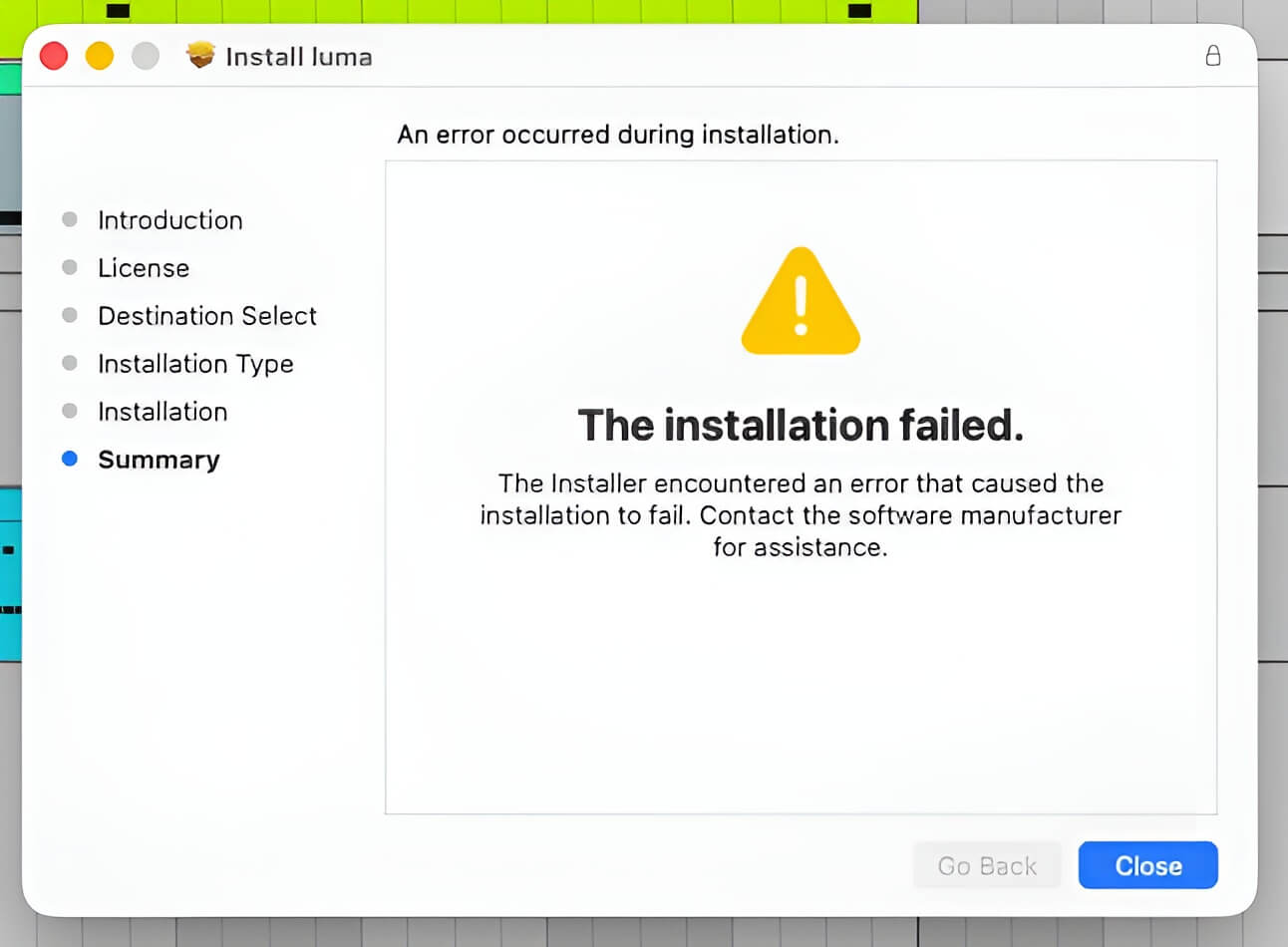
An error message detailing an installation failure
My luma installation failed. What do I do?
An error message detailing an installation failure
My luma installation failed. What do I do?
The installer says it's finished but I can't find the plugin. Where is it?

Still stuck?

If you can't find what you're searching for, then feel free to send us a message by pressing the button below:

contact us

explore
support
plugin manual
get your free trial, as well as exclusive discounts and sounds
© luma audio 2026

Refund Policy

Terms & Conditions

Privacy Policy

explore
support
manual
get your free trial, as well as exclusive discounts and sounds
© luma audio 2026

Refund Policy

Terms & Conditions

Privacy Policy